
Courses › Course Details
Power BI Training With Certificate, Be The Expert of Google Looker Studio and Power BI
Master Power BI and Google Looker Studio with our certificate course. Learn data visualization, interactive dashboards, business intelligence, and real-world projects.
Overview
Course Overview
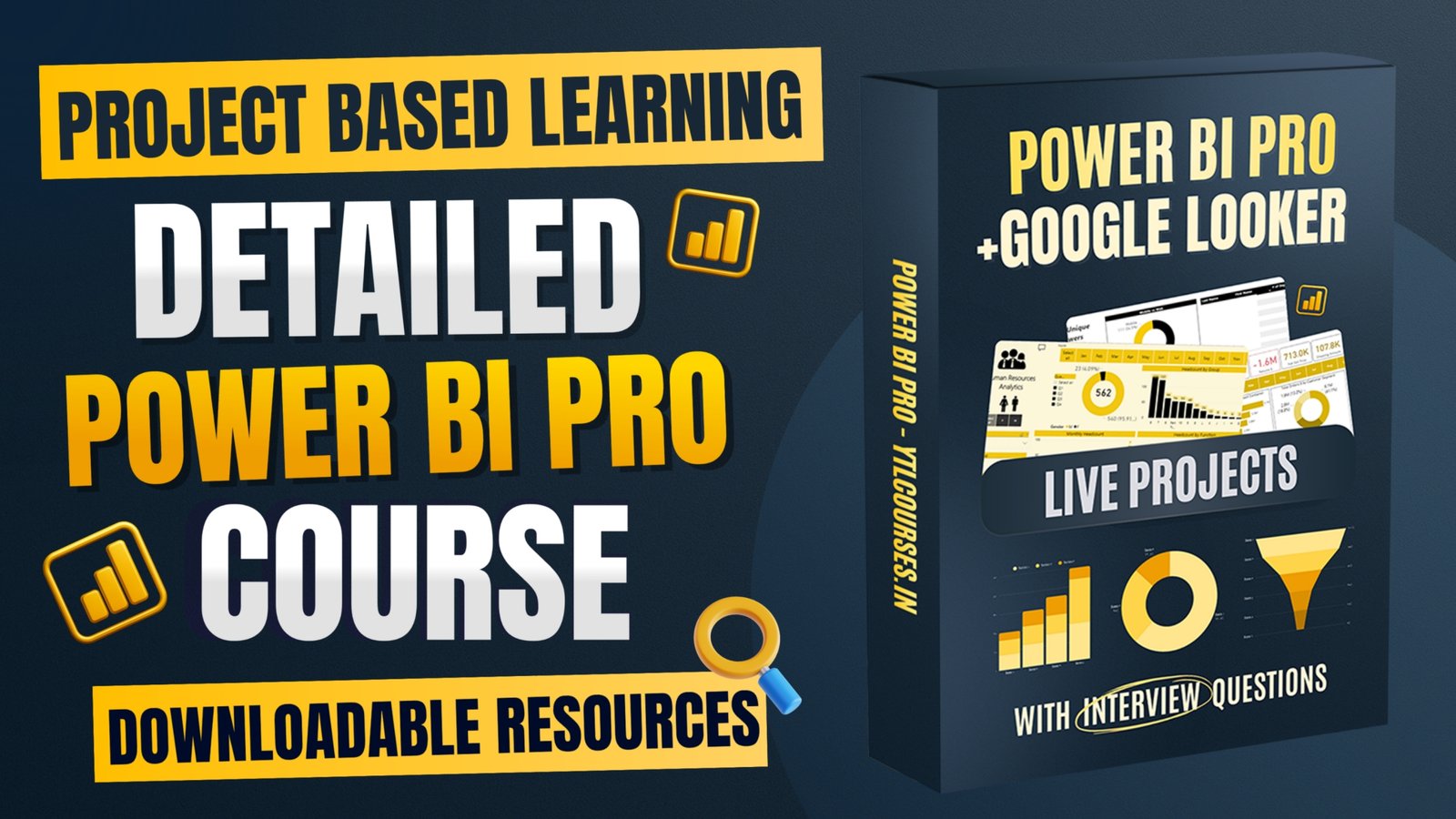
Master the world of data visualization and business intelligence with our comprehensive Power BI Course With Certificate, designed to help you build practical, job-ready skills in Power BI and Google Looker Studio. Whether you are a student, working professional, business owner, data analyst, marketer, freelancer, or someone looking to build a career in data analytics, this course will teach you how to transform raw data into meaningful insights and professional interactive dashboards. You will learn how to work with data, create engaging visualizations, build dynamic dashboards, and present information in a way that makes complex data easier to understand. The course covers both Microsoft Power BI and Google Looker Studio, giving you practical experience with two widely used business intelligence and reporting platforms.
Course Information
- Duration
- 2h 10m
- Lessons
- 14 Lessons
- Language
- English, Hindi
- Files
- 0 files
- Last Update
- Sep 29, 2026
Choose Access Plan
Curriculum
Course Module
- Understanding Bi & Data Visualization 02:41
- Types of Bi's + Power Bi & Looker Studio 06:49
- Power BI & Data Visualization Test 5 questions
- Installing Power BI Desktop 04:24
- Importing Data & Real World Projects 04:54
- Data Cleaning & Transformation 07:24
- Relationships Between Tables 14:52
- Star schema 03:29
- Creating & Tables 19:18
- Introduction to DAX 04:00
- DAX Functions & Concepts 02:46
- Visualization Types & Creating Interactive Reports 19:23
- Publishing Reports To Power BI Service 03:38
- Understanding Google Looker Studio, Use cases & Benefits 06:10
- Data Visualization & Creating Reports 10:43
Outcomes
What you'll learn
- ✓ Using Power BI Desktop and Power Bl Service
- ✓ Data cleaning, shaping, modeling using Power Query
- ✓ Publishing and sharing reports with teams or clients
- ✓ Writing DAX formulas for calculations and insights
- ✓ Creating interactive dashboards & professional reports
- ✓ Analyzing data in Google Looker Studio
- ✓ Blending multiple data sources
- ✓ Creating calculated fields
After You Start
You'll get
- • Practice Exercises
- • Reference Guides
- • Dashboard Building
- • Real-World Projects
- • Data Analysis
- • LinkedIn Ready
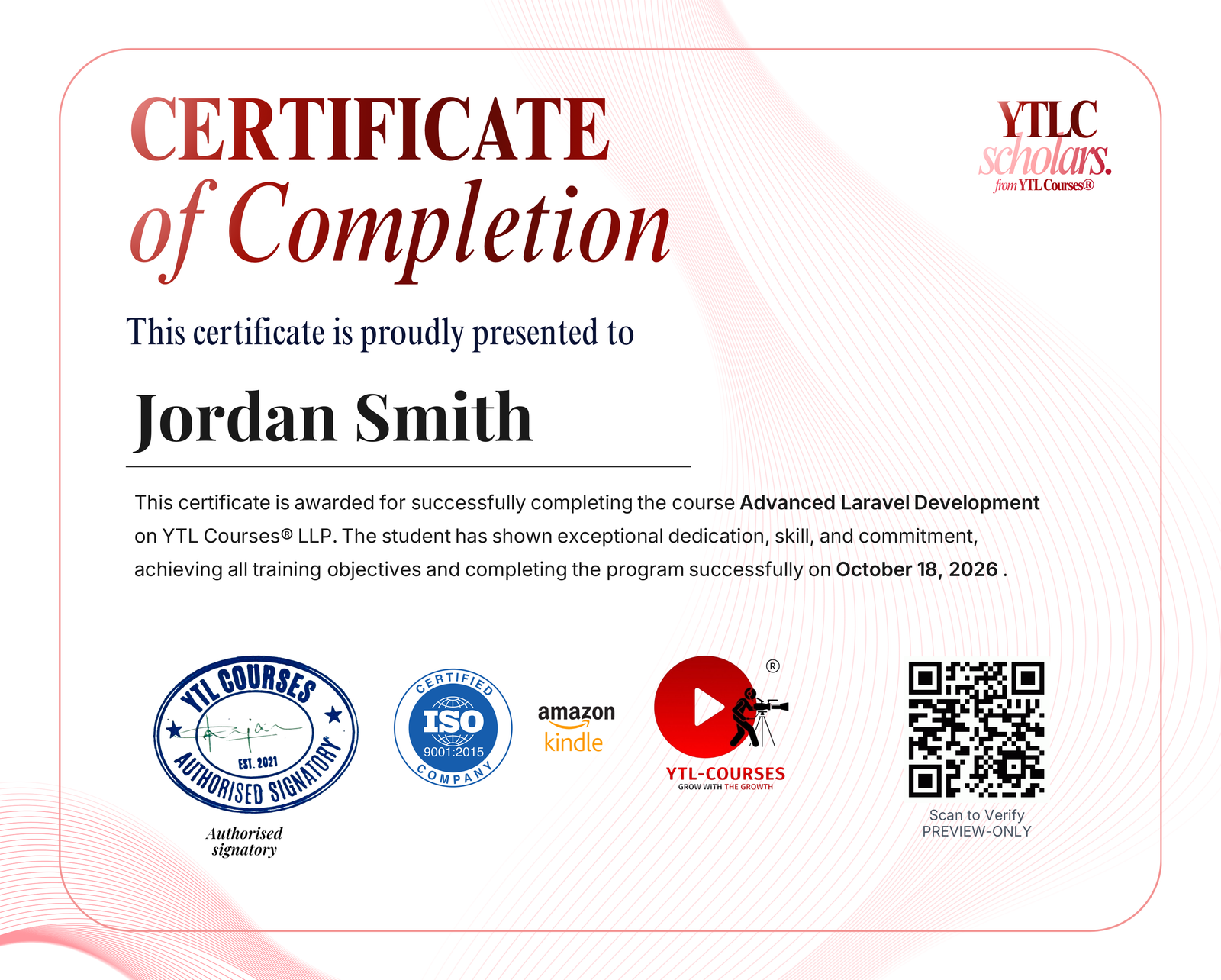
Course Completion Certificate issued under an ISO 9001:2015 & AICTE integrated training program
Course Completion Certificate
Showcase your achievement on your resume. This certificate validates your skills and helps you stand out to employers.
- • Gain engagement & optimize your LinkedIn with the shareable certificate
- • Verified by QR via YTLC Scholars' site
- • Issued instantly on course completion
Course Information
- Duration
- 2h 10m
- Lessons
- 14 Lessons
- Language
- English, Hindi
- Files
- 0 files
- Last Update
- Sep 29, 2026
Choose Access Plan