
Courses › Course Details
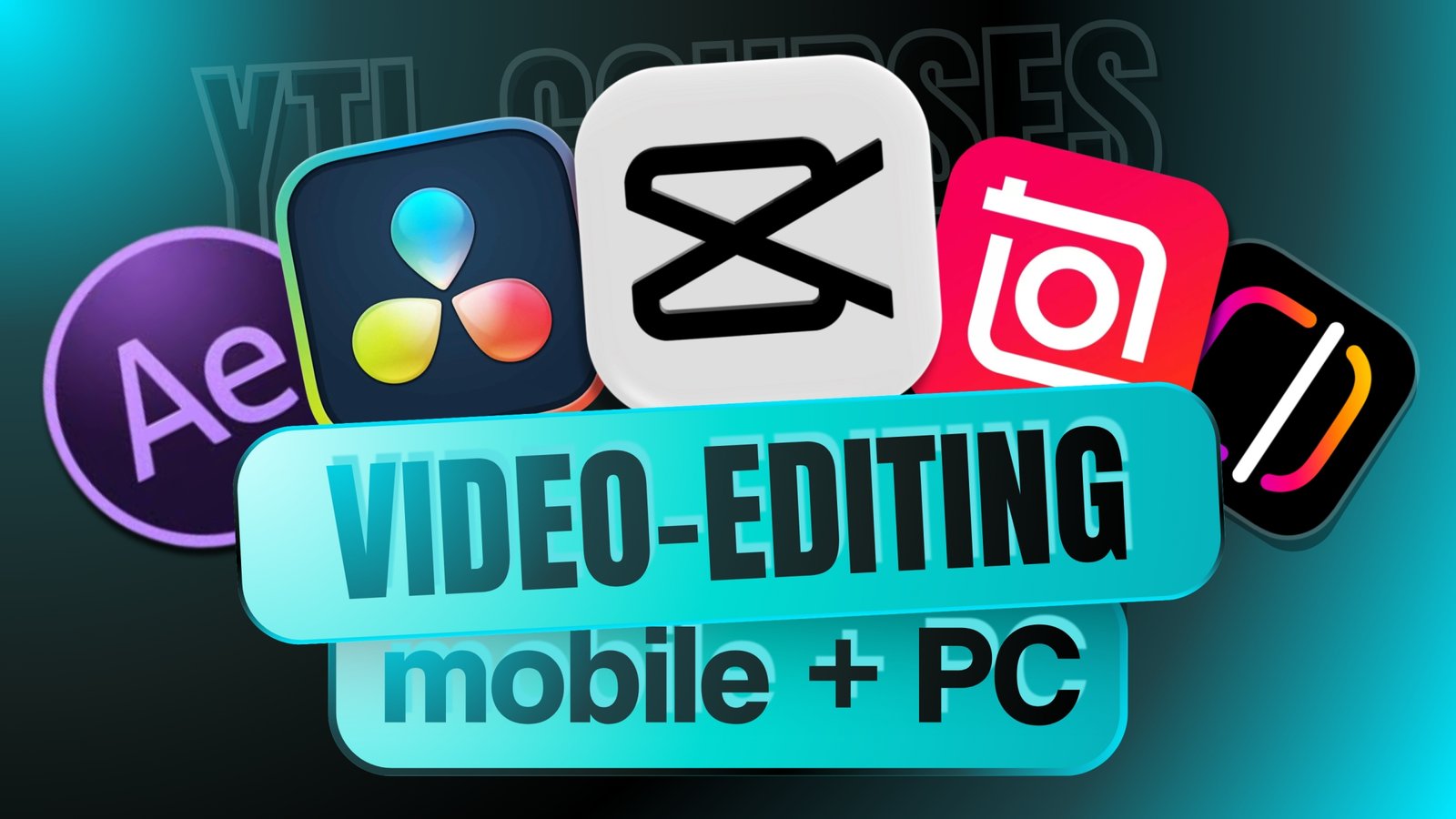
Complete Video Editing Training, Learn DaVinci Resolve, CapCut, InShot, InstagramEdits & After Effects
Learn video editing with DaVinci Resolve, CapCut, InShot, Instagram Edits and After Effects. Master professional editing, effects, transitions and content creation.
Overview
Course Overview
Master video editing from beginner to advanced level with our Complete Video Editing Course, covering DaVinci Resolve, CapCut, InShot, Instagram Edits, and After Effects. Learn how to edit professional videos, create engaging social media content, add transitions and effects, improve audio, use text and animations, and build visually appealing videos for YouTube, Instagram, and other platforms. The course combines practical editing techniques with real-world projects, helping you develop skills for content creation, freelancing, marketing, and professional video production. Whether you are a beginner, content creator, student, or aspiring video editor, this course gives you the tools and practical knowledge to create high-quality videos with confidence.
Course Information
- Duration
- 2h 41m
- Lessons
- 20 Lessons
- Language
- English, Hindi
- Files
- 0 files
- Last Update
- Sep 29, 2026
Choose Access Plan
Curriculum
Course Module
- Installing Instagram Edits and Exploring the Complete Interface 01:13
- Understanding Templates, Editing Tools, and Creative Features 04:43
- Creating Viral Reels Using the Link Reel and Account Features 03:14
- Installing and Setting Up CapCut on Android & iPhone 04:35
- Complete Editing Workflow in CapCut Chroma Key, Text Animation, Effects & Captions 19:23
- Enhancing Videos with Filters, Effects & Audio Editing 11:00
- CapCut Desktop Setup and Workspace Overview 02:15
- Mastering Canvas Setup, Backgrounds, Audio, Text & Core Editing Tools 06:00
- Advanced Text Animation, Effects, Filters & Keyframe Control 12:36
- Voiceovers, Audio Importing & Smooth Transitions 10:46
- Final Export Settings and Complete Workflow Overview 07:44
- Installing and Setting Up After Effects on Your PC 02:49
- Exploring After Effects Features, Interface and Tools 03:46
- Advanced Features and Professional Workflow 12:04
- Creating a Real-World Motion Graphics in after effects 10:52
- Complete DaVinci Resolve Installation and Setup Guide 02:16
- Exploring DaVinci Resolve Features and Editing Workspace 11:35
- Hands-On Project Professional Video Editing Workflow in DaVinci Resolve 11:56
- Adding Cinematic Titles, Creative Transitions, and Exporting Your Final Edit 03:12
- BGM, SFX, motion graphics, and many more elements —
- Video Editing Skills Test 5 questions
Outcomes
What you'll learn
- ✓ DaVinci Resolve from beginner to advanced
- ✓ CapCut video editing and creative tools
- ✓ InShot for mobile video editing
- ✓ Instagram Edits for social media content
- ✓ After Effects basics and advanced techniques
- ✓ Professional video cutting and trimming
- ✓ Reels, Shorts, and YouTube video editing
- ✓ AI tools for faster video editing
After You Start
You'll get
- • After Effects learning resources
- • 100,000+ premium video editing assets
- • Motion graphics and animation assets
- • Sound effects and audio resources
- • Fonts, overlays, and design elements
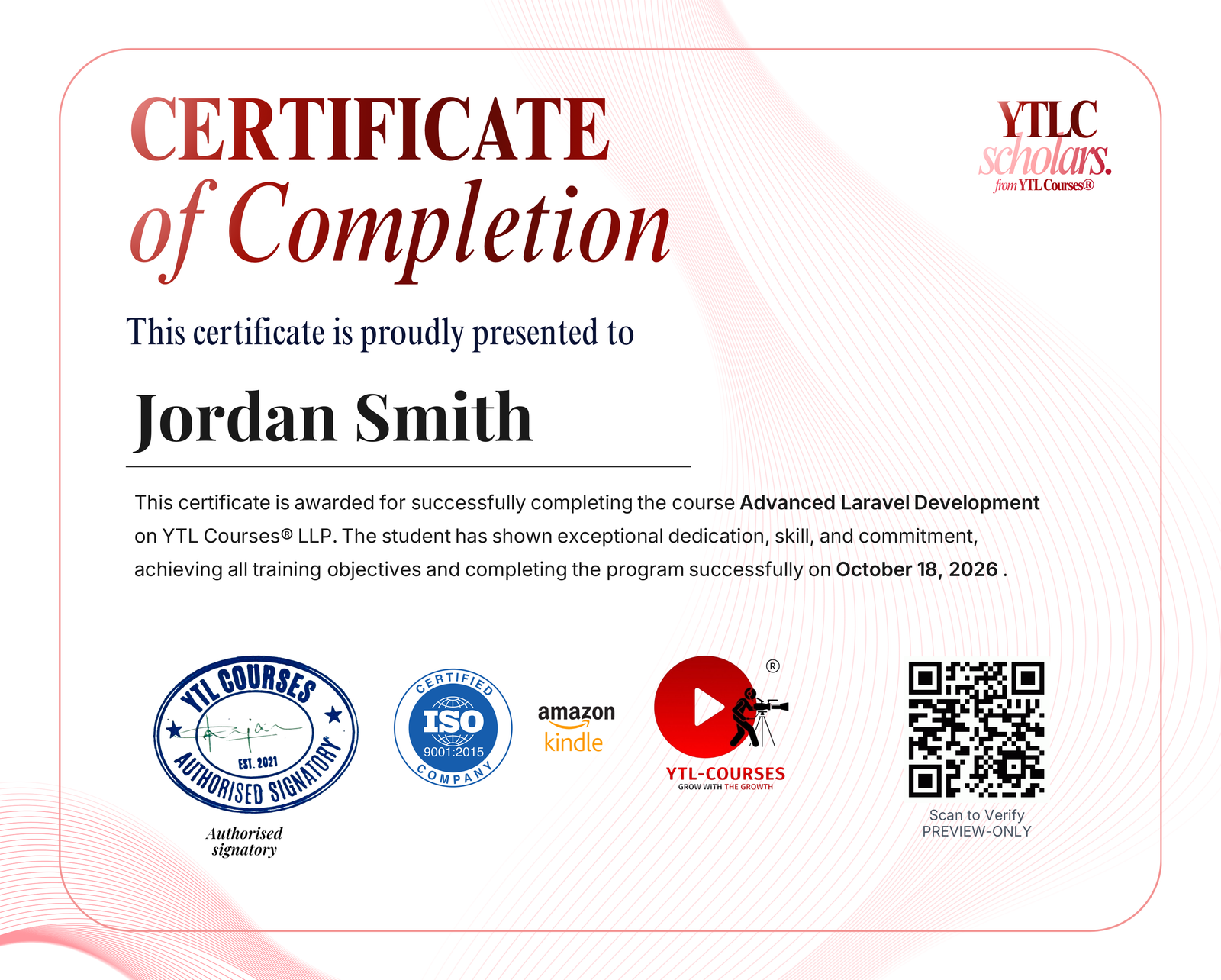
Course Completion Certificate issued under an ISO 9001:2015 & AICTE integrated training program
Course Completion Certificate
Showcase your achievement on your resume. This certificate validates your skills and helps you stand out to employers.
- • Gain engagement & optimize your LinkedIn with the shareable certificate
- • Verified by QR via YTLC Scholars' site
- • Issued instantly on course completion
Course Information
- Duration
- 2h 41m
- Lessons
- 20 Lessons
- Language
- English, Hindi
- Files
- 0 files
- Last Update
- Sep 29, 2026
Choose Access Plan