Courses › Course Details
Best Canva Mastery Program With Certificate, From Beginning to Advanced Level
Master Canva from beginner to advanced level with our Canva course and certificate. Learn graphic design, branding, animation, templates, and more.
Overview
Course Overview
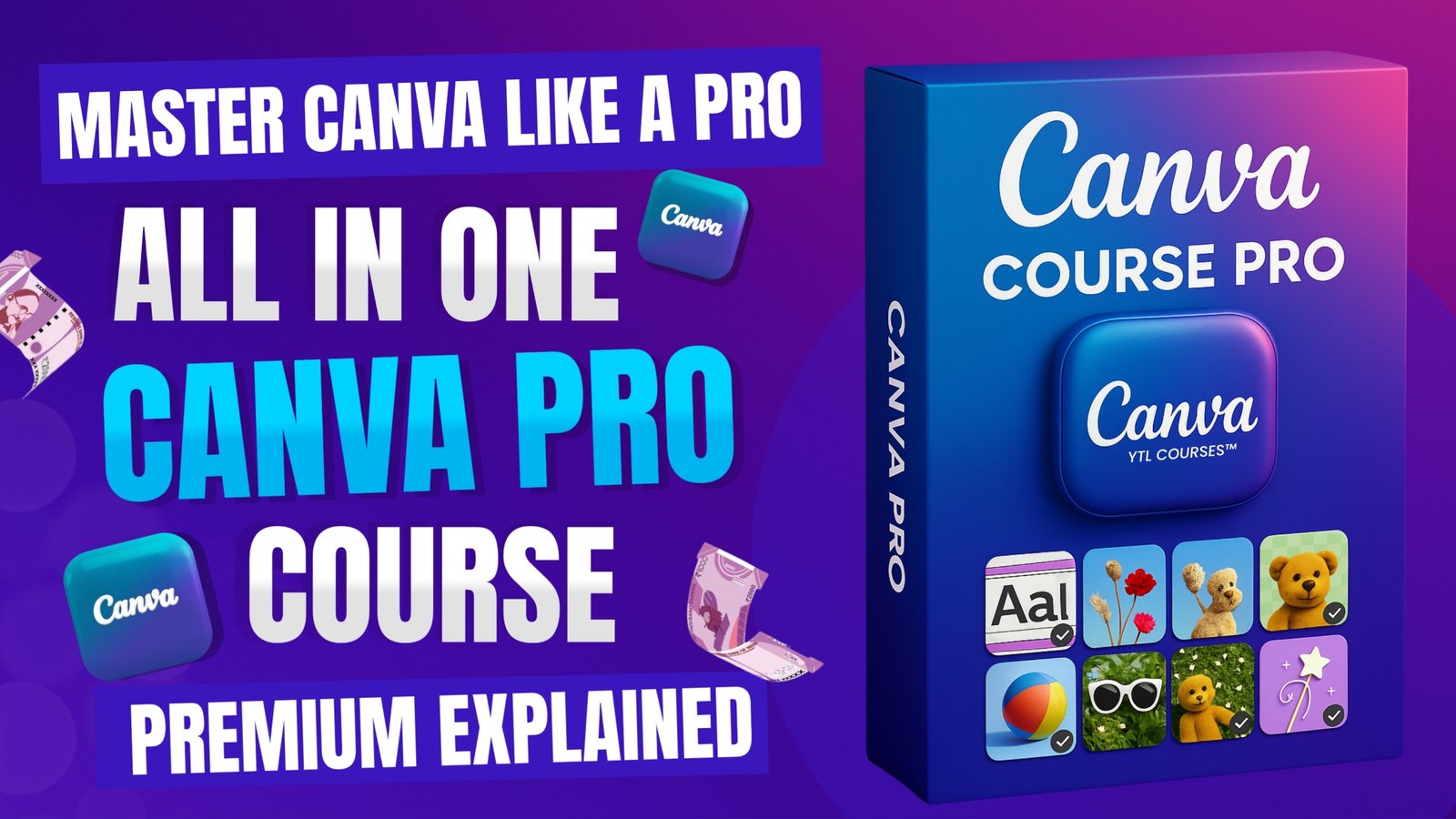
Unlock the full potential of Canva with Master Canva Like A Pro, a comprehensive Canva course designed for beginners, intermediate users, content creators, entrepreneurs, students, freelancers, and marketing professionals. You do not need any previous graphic design experience to get started. This course takes you step-by-step from the basics of Canva to advanced design techniques, helping you create professional and eye-catching visuals with confidence. Throughout the course, you will learn how to navigate Canva, create designs from scratch, work with templates, edit images, add text and elements, and use Canva powerful design tools effectively. As you progress, you will explore advanced features such as animations, brand kits, presentations, social media designs, professional layouts, and team collaboration. Whether you want to create Instagram posts, YouTube thumbnails, presentations, posters, advertisements, business graphics, marketing materials, or branded content, this course will help you turn your ideas into visually engaging designs.
Course Information
- Duration
- 1h 47m
- Lessons
- 11 Lessons
- Language
- English, Hindi
- Files
- 0 files
- Last Update
- Sep 29, 2026
Choose Access Plan
Curriculum
Course Module
- Basic Terminology of Canva 03:29
- Practical Use Cases of Canva 01:28
- Setting Up Canva 04:46
- Exploring Dashboard & Brand Kit 05:09
- Starting With The First Project 09:18
- Using Magic Studio Tools 18:13
- Applying Color Filtering in Images 07:01
- Using Image Apps 06:05
- Designing Mockups & Elements 07:00
- Text Gradient & Fonts 05:12
- Animations & Final Challenge 09:31
- Canva Expert Challenge Test 5 questions
Outcomes
What you'll learn
- ✓ Mastering Canva's interface and key tools.
- ✓ Customising templates to create unique designs.
- ✓ Using colours, fonts, and spacing with intention.
- ✓ Designing social posts, thumbnails, posters, and flyers.
- ✓ Editing images and applying advanced design features.
- ✓ Building a consistent brand kit for your projects.
- ✓ Exporting visuals in the right formats for any platform.
- ✓ Working faster with useful shortcuts and workflows.
After You Start
You'll get
- • Pro Canva Account
- • Basic Internet Skills
- • Creative Mindset
- • Willingness to Learn
- • Practice & Exploration
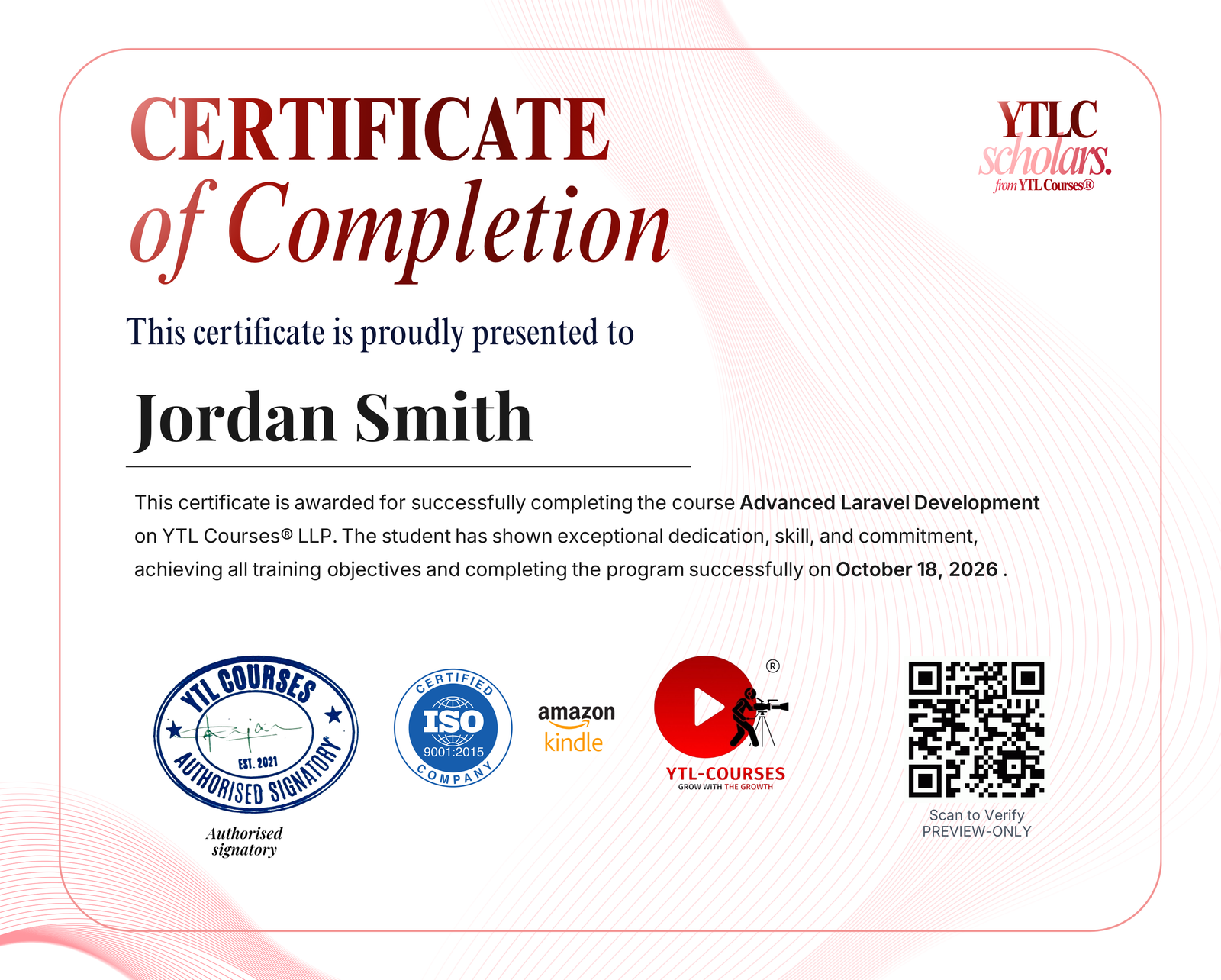
Course Completion Certificate issued under an ISO 9001:2015 & AICTE integrated training program
Course Completion Certificate
Showcase your achievement on your resume. This certificate validates your skills and helps you stand out to employers.
- • Gain engagement & optimize your LinkedIn with the shareable certificate
- • Verified by QR via YTLC Scholars' site
- • Issued instantly on course completion
Course Information
- Duration
- 1h 47m
- Lessons
- 11 Lessons
- Language
- English, Hindi
- Files
- 0 files
- Last Update
- Sep 29, 2026
Choose Access Plan